
The Revenue-First-Performance (RFP) guide
The 4 step framework to improve performance and revenue on Shopify
Most performance projects start with an intended speed goal. Revenue First Performance doesn't do this. Page Speed Scores are a metric, not a goal. With Revenue First Performance, our goal is optimise the site without touching the value drivers. Using this framework, there should be no tradeoff between speed and revenue. It's how can we use speed to optimise revenue. Speed isn't a goal, it's a tool.
Web performance is the process of making your website faster. Over the past 20 years, websites have gotten +400% larger, which means even optimised sites can struggle. Ecom by nature is heavy, and therefore slow. Top 100 Shopify stores make 500+ network requests just to load. That's the baseline you're starting from.
Performance optimisation starts with an intended Speed Score and a roadmap to get there. This often results in removing apps, changing the website, and optimising for browser efficiency.
Revenue First Performance is different. Traditional performance focuses on metrics. Revenue First Performance focuses on outcomes.
Performance Optimisation Goal: Make the site as fast as possible
Revenue First Performance Goal: Mitigate the performance tax of scaling
The whole purpose is to expand margins without compromising value to the customer. Which can clearly be seen in the revenue.
How it works
Revenue First Performance has 4 distinct stages, which can be applied to virtually all apps, tools, and site assets.
1) Priority Load
 Group_46.png
Only visible essentials. Everything below-the-fold waits. Split CSS into small chunks, prioritise hero and PDP images. The goal is to quickly display a "visually complete" page to the user. This is critical to get right.
2) Core Functionality
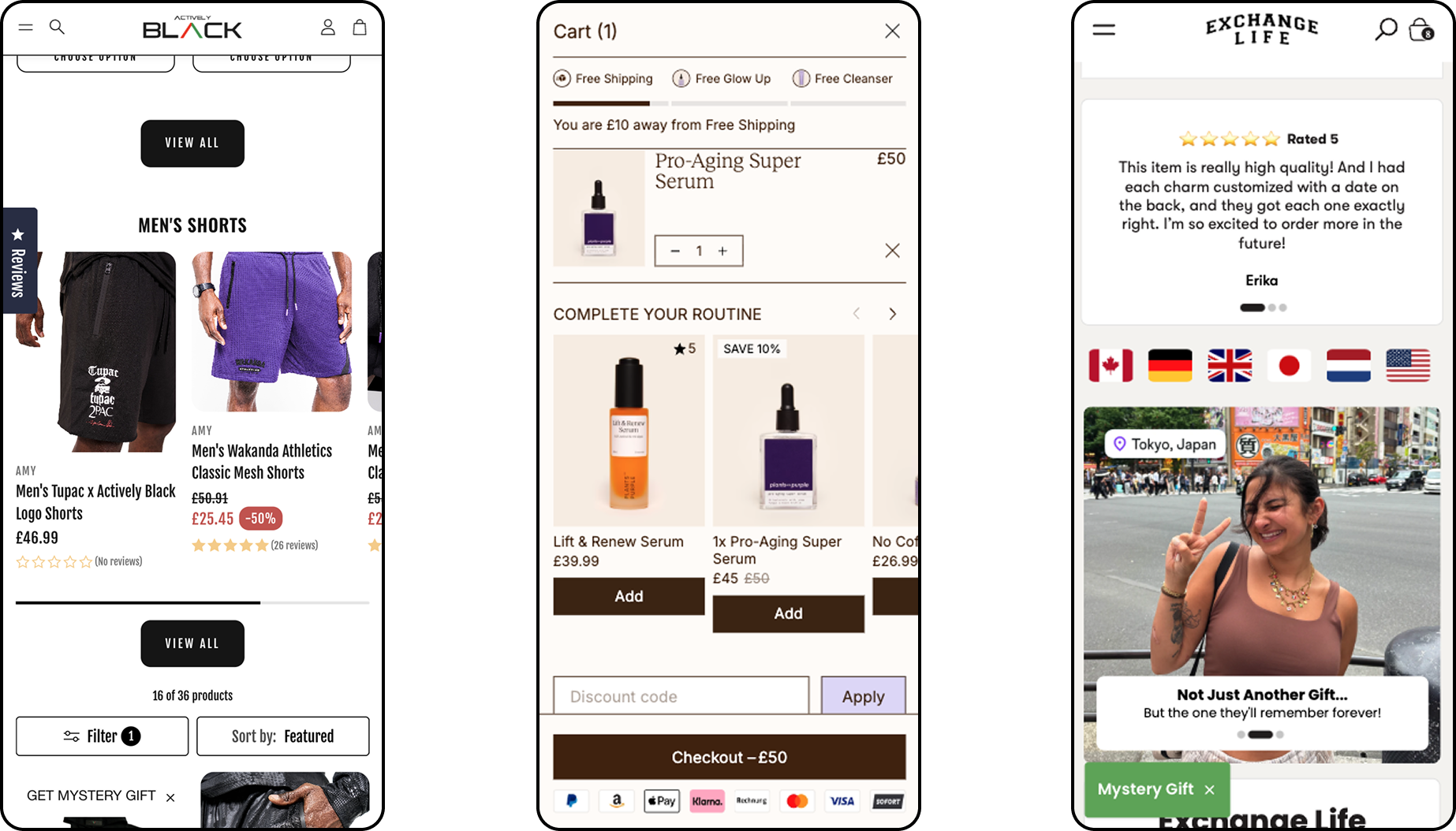 Group_48.png
After priority content has loaded, we load the rest of our styles, and essential scripts (analytics pixels, menu controls, card drawers). The user should now be able to scroll through the page, see all the content, and open the menus.
3) Extended Functionality
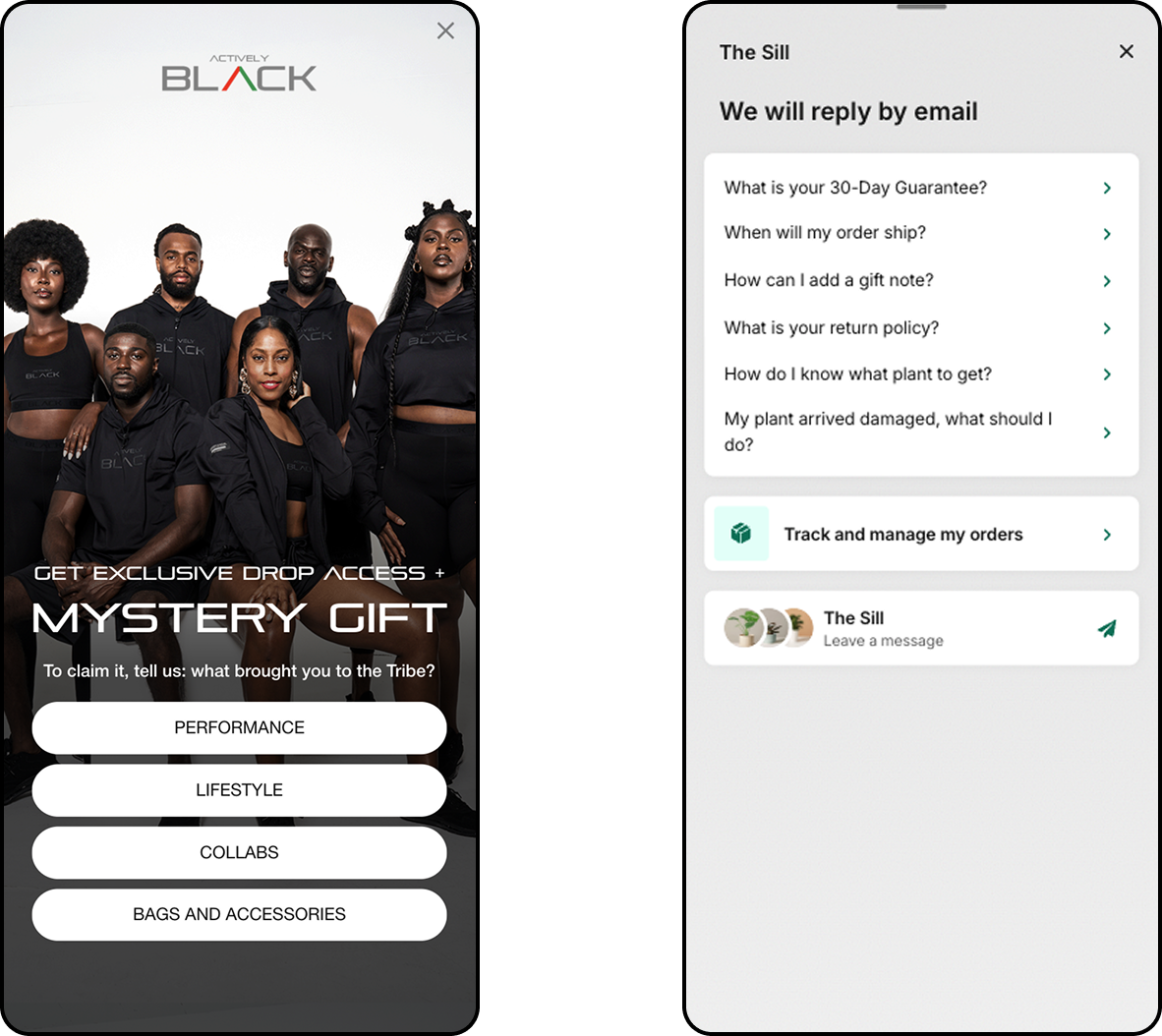 Group_50.png
Now we can download our heavier scripts. This is for anything that is not immediately visible, or not essential for the user experience (chatbots, popups, cart upsells apps). The website experience would be incomplete without these, but they're not part of the core functionality. Ie, could a use still use the site + purchase without these things?
4) On Demand (lazy loading)
This is a flexible category where we only load things as they're needed. For example, if we have lots of images on a site, we only load them when the user starts scrolling. The more content you put here, the faster the other stages go. Organise by priority and the user journey. Eg do users ever click on chat-bots in the first few seconds of being on the site? If no - we don't need to load these quickly. Save that bandwidth for more revenue drivers.
The order matters psychologically: the sooner users can interact with your core offering, the less likely they bounce. Our goal is to reduce friction in the funnel. Everything else can load in the background.
Results
Using the Revenue First Performance process our project results are below:
Performance Lift that brands see:
Avg Page Load Time Decrease: 79.19%
Monthly Rev Increase: $71k
Projects from Q4 25:
Actively Black
Page Load Time Decrease: 76.34%
CVR Lift: 11%
Exchange Life
Page Load Time Decrease: 82%
CVR Lift: 17%
Implement Revenue First Performance on your store
Revenue First Performance works best for:
- Brands doing 1M+ monthly sessions with growth targets
- Sites heavy with apps/tools they can't remove
- Teams frustrated with 'delete everything' optimisation advice
- Operators who need performance without sacrificing conversion tools
If your site has slowed as you've scaled, and it's impacting customers - get a personal assessment on how your site aligns with the Revenue First Performance framework.
Assessment includes
- which tools / apps are hurting performance
- revenue ROI potential for increasing site speed
- an operators roadmap for transitioning your site into the RFP framework